
Long, clunky URLs are more than just an eyesore; they’re difficult to share, a nightmare for social media character limits, and impossible for anyone to remember. In the digital world, where every character and click counts, a clean, short, and memorable link is essential. This is where URL shorteners come in, transforming unwieldy web addresses into sleek, shareable links.
But with so many options available, how do you choose the right one? In this guide, we’ll break down the top 10 free URL shorteners of 2025. We’ll compare them based on crucial features to help you find the perfect tool for your marketing campaigns, social media posts, or personal projects.
Criteria for Our Comparison
Not all URL shorteners are created equal. To give you a clear picture, we’ve evaluated each tool based on the following key criteria:
- Link Customization: The ability to create a custom alias (e.g.,
bit.ly/MyCustomLink) instead of a random string of characters. This is crucial for branding. - Analytics and Tracking: Access to data such as click-through rates, geographic location of clicks, and referral sources. This is vital for measuring campaign success.
- Ease of Use: How intuitive and user-friendly the platform is. A simple interface allows you to create and manage links quickly.
- Free Plan Limitations: What you get for free. We’ll look at the monthly limits on new links, tracking features, and custom domains.
- Special Features: Any unique offerings, such as QR code generation, link retargeting, or integrations with other apps.
The Top 10 Free URL Shorteners
Here’s our curated list of the best free link shorteners available today.
1. Bitly
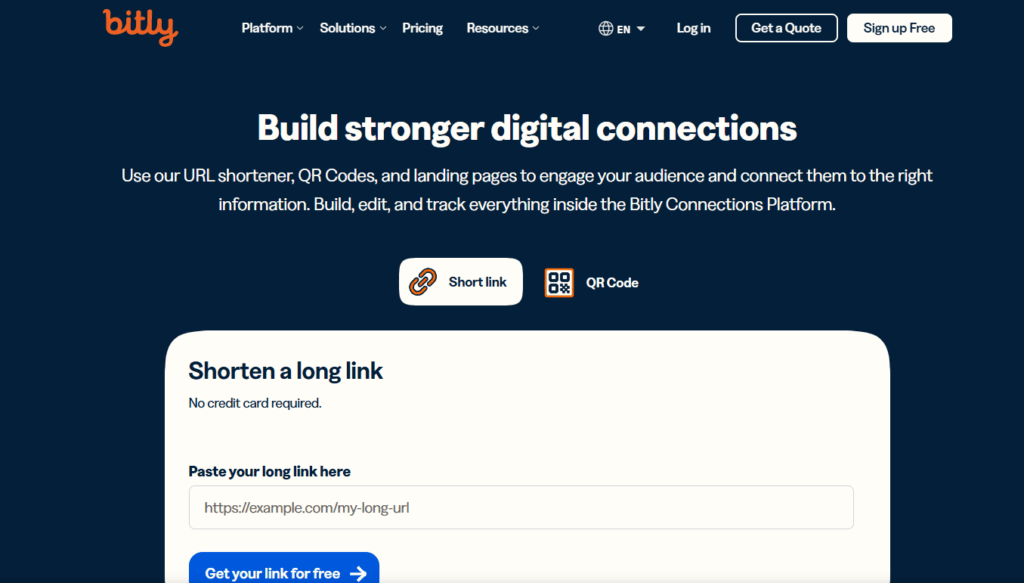
Perhaps the most well-known name in the game, Bitly is a powerful and reliable tool trusted by individuals and large enterprises alike. Its platform is robust, offering much more than just link shortening.
- Pros:
- Excellent Analytics: The free plan provides solid analytics, including click counts, referrer data, and geographic information.
- Trusted and Reliable: Bitly has been around for years and is known for its stability and speed.
- Link Management: A clean dashboard allows you to easily organize and search for your links.
- Cons:
- Limited Customization on Free Plan: Free users can no longer create custom back-halves (e.g.,
bit.ly/custom-name). - Low Monthly Link Limit: The free plan is limited to only 10 new links per month, which may not be enough for active users.
- Limited Customization on Free Plan: Free users can no longer create custom back-halves (e.g.,
2. TinyURL
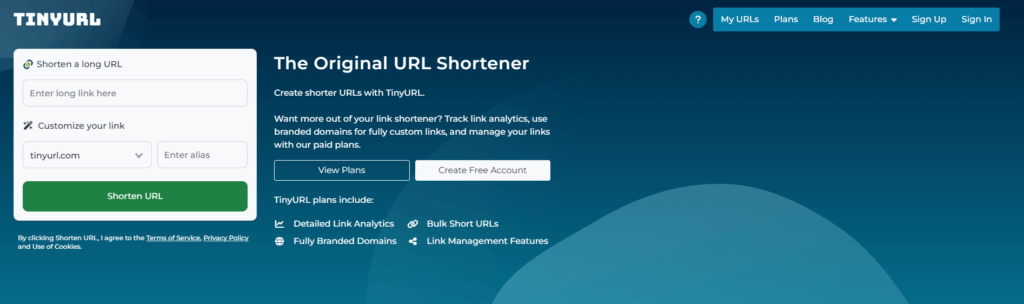
The original URL shortener, TinyURL is the go-to for quick, no-fuss link shortening. It’s incredibly simple and doesn’t require an account to use, making it perfect for one-off uses.
- Pros:
- No Account Needed: You can create a short link in seconds without signing up.
- Links Never Expire: Once a link is created, it will work forever.
- Custom Alias: Allows for a custom alias in the URL, which is a great feature for a free, no-signup tool.
- Cons:
- No Analytics: The free service provides zero tracking or analytics. You won’t know how many people clicked your link.
- Very Basic: It lacks the advanced features, like a management dashboard or QR codes, that other services offer.
3. Rebrandly
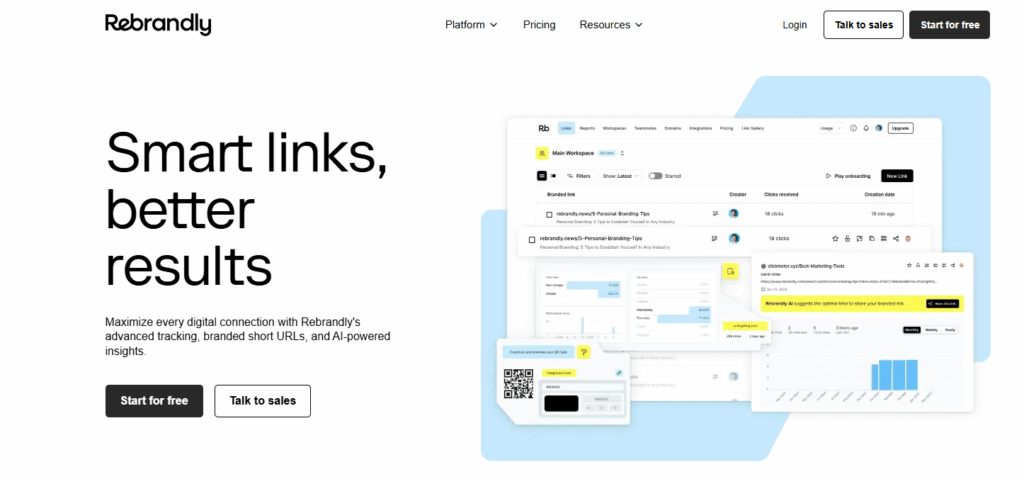
Rebrandly is all about branding. It positions itself as a link management platform, focusing on helping you create custom short links using your own domain name.
- Pros:
- Excellent for Branding: Its core strength is creating branded links (e.g.,
yourbrand.co/offer). The free plan includes one custom domain. - Generous Free Plan: Allows for 25 new links per month and tracks up to 250 clicks per month.
- Feature-Rich: Includes features like QR code generation and UTM builder even on the free tier.
- Excellent for Branding: Its core strength is creating branded links (e.g.,
- Cons:
- Click Tracking Limit: The 250-click tracking limit on the free plan can be reached quickly with a successful campaign.
- Slightly More Complex Setup: Connecting a custom domain requires a bit more technical setup than other tools.
4. Cuttly
Cuttly is a comprehensive and user-friendly platform that offers a great balance of features, including detailed analytics and link management tools.
- Pros:
- In-depth Analytics: The free plan provides real-time analytics, tracking clicks, devices, browsers, and geographic locations.
- Link Management Suite: Offers A/B testing for URLs, QR codes, and a “Link in Bio” page for social media.
- Unlimited Branded Links: You can create an unlimited number of links using their generic domain.
- Cons:
- Custom Domain on Paid Plan: Using your own custom domain is reserved for paid users.
- Analytics Lag: While detailed, analytics have a 30-day history limit on the free plan.
5. Short.io
Short.io is another powerful contender focused on branding and targeting. It allows you to use your own domain for free and provides features often found only in premium plans.
- Pros:
- Free Custom Domain: Allows you to connect one custom domain on the free plan, which is a huge benefit for branding.
- Advanced Features: Offers device targeting, geo-targeting, and link cloaking for free.
- Generous Link Limit: You can create up to 1,000 branded links.
- Cons:
- Click Tracking Limit: The free plan only tracks up to 50,000 clicks, which might be a constraint for high-traffic links.
- Learning Curve: The array of features can be slightly overwhelming for absolute beginners.
6. BL.INK
BL.INK is a professional-grade free url shorteners that caters to businesses but offers a solid free plan for beginners and small-scale users.
- Pros:
- High-Quality Analytics: Provides detailed, real-time analytics on clicks by time of day, location, device, and language.
- Integrations: Connects with tools like Zapier and other social media managers.
- Custom Domain: The free plan supports one custom domain.
- Cons:
- Strict Limits: The free plan is limited to 1,000 active links and only 1,000 clicks per link for tracking.
7. T2M
T2M URL Shortener offers a robust platform with a full-featured dashboard and detailed analytics, making it a strong option for data-driven marketers.
- Pros:
- Unlimited Links: The free plan allows you to create an unlimited number of shortened URLs.
- Powerful Dashboard: Provides a centralized location to manage all your links with detailed analytics.
- QR Code Generation: Automatically creates a QR code for every shortened URL.
- Cons:
- Delayed Analytics: There’s a one-month delay in accessing detailed analytics on the free plan.
- Monthly Link Creation Limit: While you can have unlimited total links, there’s a limit on how many you can create each month.
8. Sniply
Sniply has a unique twist: it allows you to add a custom call-to-action (CTA) overlay to any link you share. This means you can drive traffic back to your own site even when sharing third-party content.
- Pros:
- CTA Overlays: Its signature feature allows you to add a non-intrusive banner with a link back to your website on the pages you share.
- Great for Content Curation: Perfect for marketers who share industry news or blog posts from other sources.
- Cons:
- Primary Focus isn’t Shortening: It’s more of a conversion tool than a simple shortener, which may be overly complex for some.
- Limits on Free Plan: The free plan is limited to 20 links and 100 clicks per month.
9. Ow.ly (by Hootsuite)
If you’re already using Hootsuite for social media management, then Ow.ly is seamlessly integrated into your workflow. It’s a convenient and efficient option for existing users.
- Pros:
- Hootsuite Integration: Perfect for shortening links directly within the Hootsuite dashboard before scheduling posts.
- Simple and Fast: It’s a no-frills tool designed for quick sharing.
- Cons:
- Limited Features: Analytics and other advanced features are tied to your Hootsuite subscription level.
- Requires a Hootsuite Account: You can’t use Ow.ly as a standalone service; it’s only available to Hootsuite users.
10. Tinyurl.digital
Similar to TinyURL, Tiny.digital is a fast and easy tool for creating short links without an account. However, it also offers an optional registration that unlocks more features.
- Pros:
- Quick and Easy: Excellent for creating short links or custom-named links on the fly.
- Optional Tracking: If you register for a free account, you can track stats for up to 500 URLs.
- QR Code Support: Easily generate a QR code for any shortened link.
- Cons:
- Dated Interface: The user interface feels a bit less modern compared to competitors like Bitly or Cuttly.
- Public Edit Link: By default, anyone with the edit link can change the URL’s destination, which can be a security concern.
Which One Should You Choose?
The best tool depends entirely on your needs. Here’s a quick guide:
- For quick, one-time shortening: TinyURL is your best bet. No account needed.
- For branding and marketing campaigns: Rebrandly or Short.io are excellent choices, as they allow a free custom domain.
- For detailed analytics: Cuttly and Bitly offer robust tracking dashboards to measure your performance.
- For driving conversions from shared content: Sniply is the clear winner with its unique CTA feature.
- For Hootsuite users: Stick with the integrated Ow.ly for a seamless workflow.
Conclusion
A URL shortener is a small but mighty tool in any digital toolkit. It cleans up your links, enhances your brand, and provides valuable insights into your audience’s behavior. While Bitly and TinyURL are household names, the landscape in 2025 is filled with fantastic free alternatives like Rebrandly, Cuttly, and Short.io that offer powerful branding and analytics features at no cost.
Evaluate your primary goal—whether it’s branding, analytics, or simplicity—and choose the tool that aligns best with your needs. By doing so, you’ll ensure every link you share is working as hard as possible for you.
Pretty! This was a really wonderful post. Thank you for providing this info.
It’s remarkable to pay a visit this site and reading the views
of all mates on the topic of this paragraph, while I am also keen of getting familiarity.
Touche. Outstanding arguments. Keep up the good work.
Asking questions are really fastidious thing if you are not understanding something fully,
except this piece of writing presents pleasant understanding even.
Normally I do not read article on blogs, but I wish to say that this write-up
very compelled me to try and do it! Your writing style has been surprised me.
Thanks, very great post.
Hey There. I discovered your blog using msn. That is a really neatly written article.
I will make sure to bookmark it and come back to learn extra of your helpful information. Thanks for the post.
I’ll certainly return.